 Folio Launcher
A home screen built for a phone that folds
Most launchers treat a Fold as a tall phone that got wider. Folio lays out by the room it is given, so each screen gets a home screen that suits it.
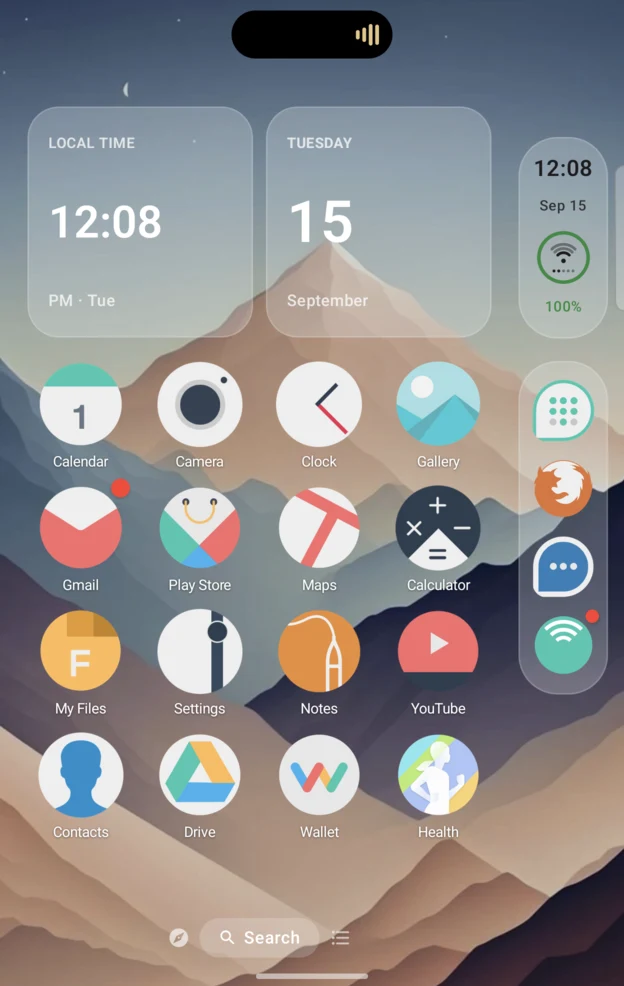
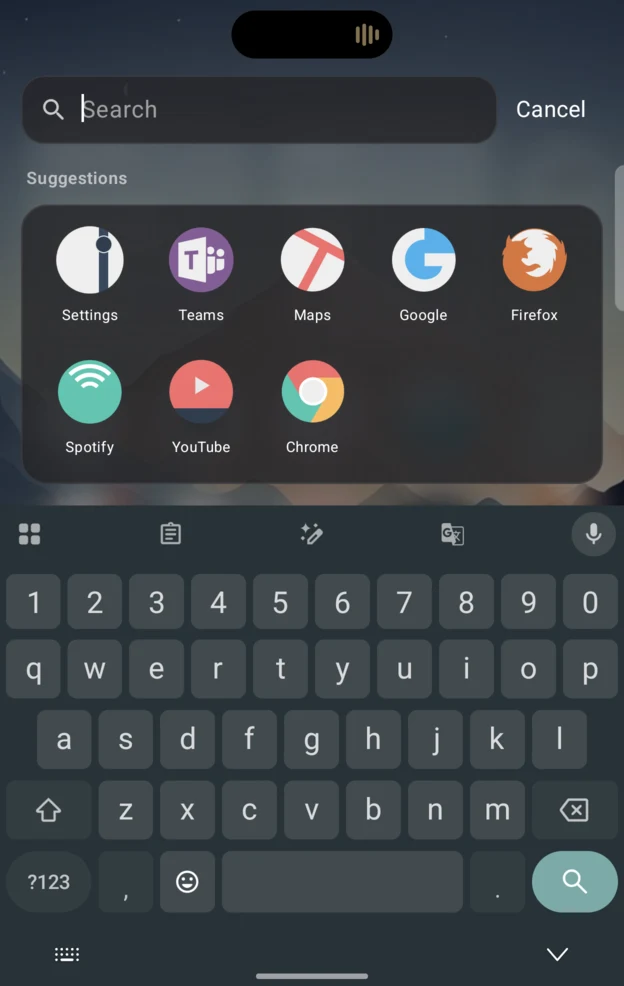
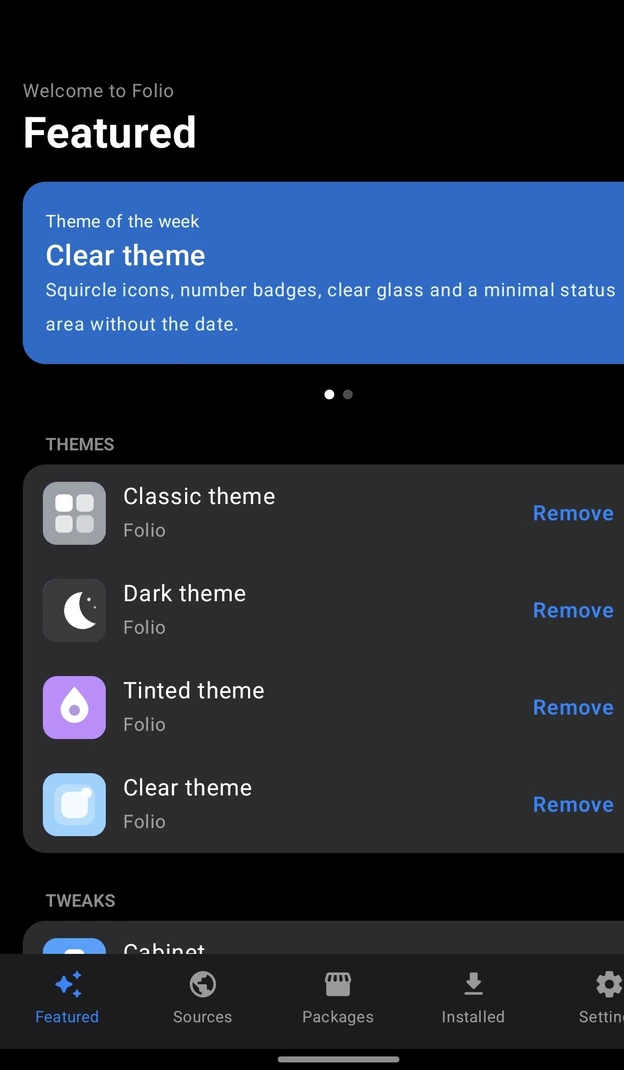
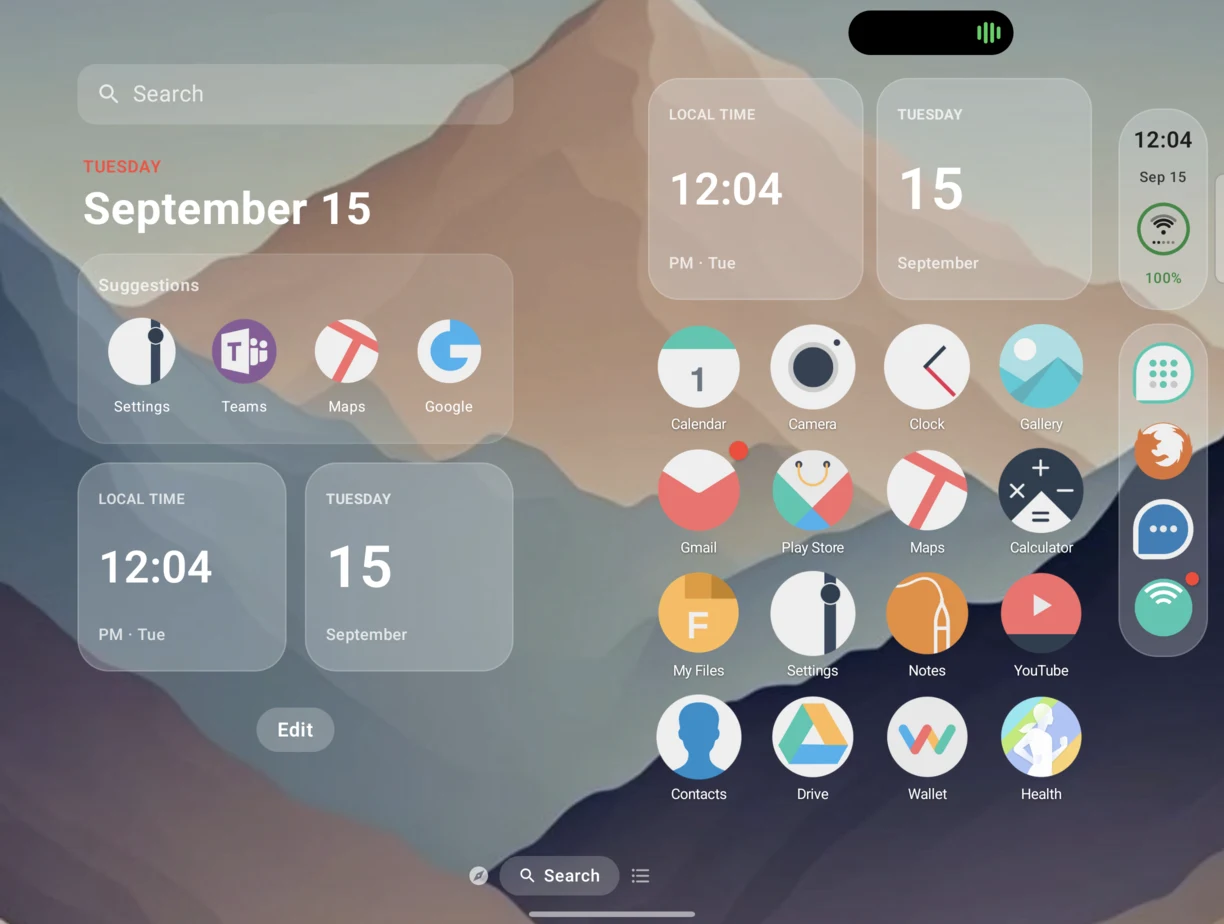
Unfolded, it uses the space
- Two Home pages side by side, not one page stretched across a tablet screen.
- Portrait unfolded gets one centred page with a dock bar.
- The cover in landscape gets two columns.
- Bigger screens draw bigger, the way an iPad does, instead of phone-sized icons floating in the middle.
The Fold problems it fixes
Each screen its own layout
One UI mirrors your cover layout onto the inner display by default. Folio gives each screen its own, so the big one is not just the small one enlarged.
How that worksNothing on the crease
Half folded, sheets, menus and Home rows move off the fold, so you are not tapping something bent down the middle.
The grid is yours
Samsung took inner-display grid options out of Settings on the Fold 7 and 8. Folio has per-page icon size and labels, with no Good Lock module needed.
One thing to know first
Android turns off One UI's taskbar when any third-party launcher is running, Folio included. Folio's own dock takes its place, and switching back is pressing Home and picking One UI Home again.The full explanation is here, because it is better to hear it now than after installing.
Made on a Fold8, for Folds
5.1 MB, Android 12 and up. Free and open source, no ads, no account.