 Folio Launcher
Control Center
Toggles, sliders and media where you expect them, pulled from the top-right corner.
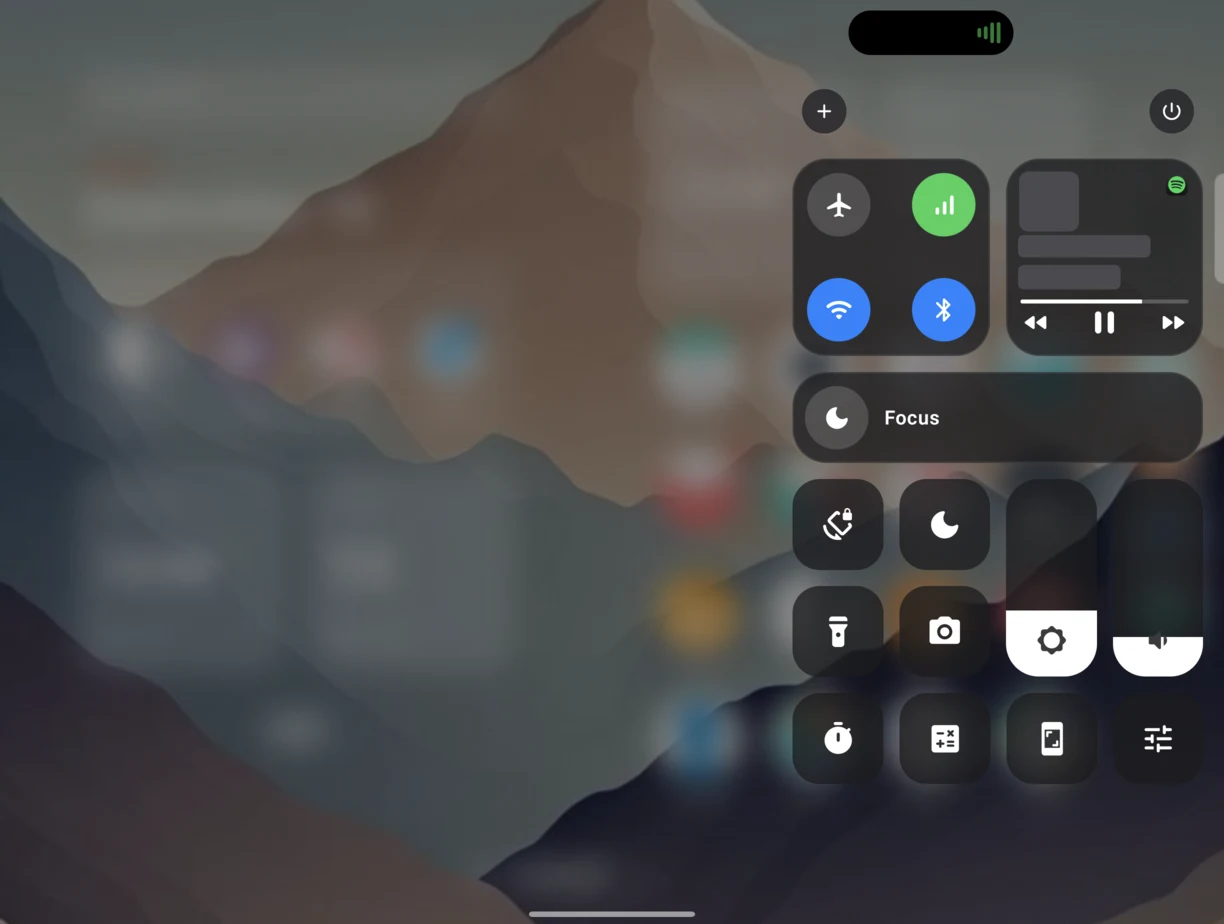
How you use it
- Pull from the top-right corner for Control Center, top-left for Notification Center, once Folio’s gestures service is on.
- Without that service, a swipe down on Home can open either one; Settings › Gestures decides which.
- Settings › Notifications & Control Center chooses the tiles and their order.
What is different here
Two panels, the way iOS splits them
Notifications on the left, controls on the right, rather than one shade holding both.
It knows the screen it is on
Unfolded, the panel lays out for the room it has instead of stretching a phone-width sheet across the crease.
Android’s own shade is still there
Folio does not take it away. If you would rather use it, turn the corner gestures off and nothing changes.
Where Android draws the line
- Opening the panels from the top corners uses Folio’s accessibility (gestures) service. Without it, the corners belong to Android.
The rest of it
Dynamic Island · Spotlight · App Library
Try it on your phone
5.1 MB, Android 12 and up. Free and open source, no ads, no account.